Measure the real arrangement
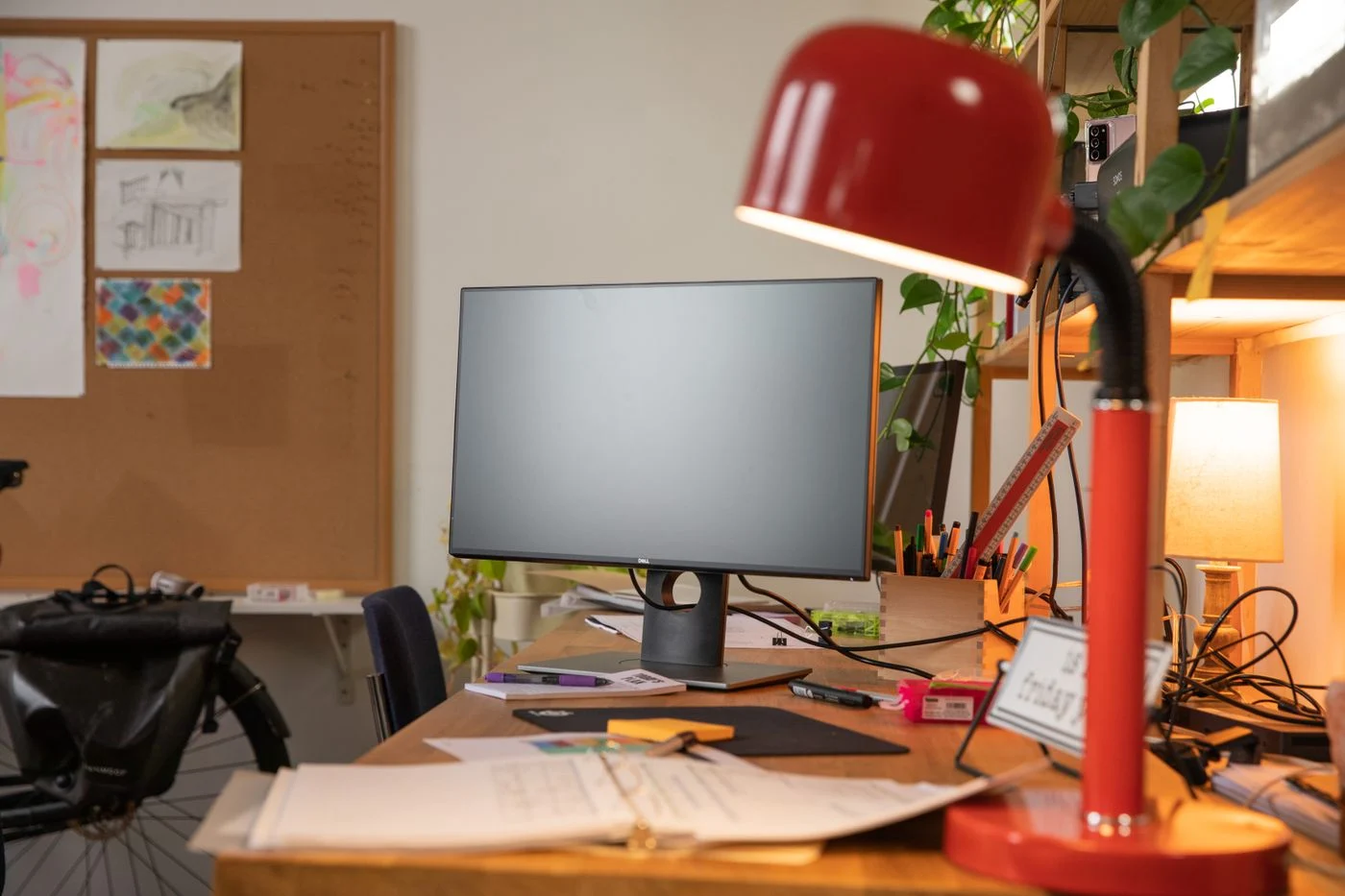
The advertised depth of a desk does not tell you how much remains usable. A cable opening, broad monitor base or rear shelf can occupy part of it. Put the screen, keyboard and mouse on a larger existing surface. Arrange them so the working items can be reached without continually leaning forward. Mark the front and rear limits only after that trial.
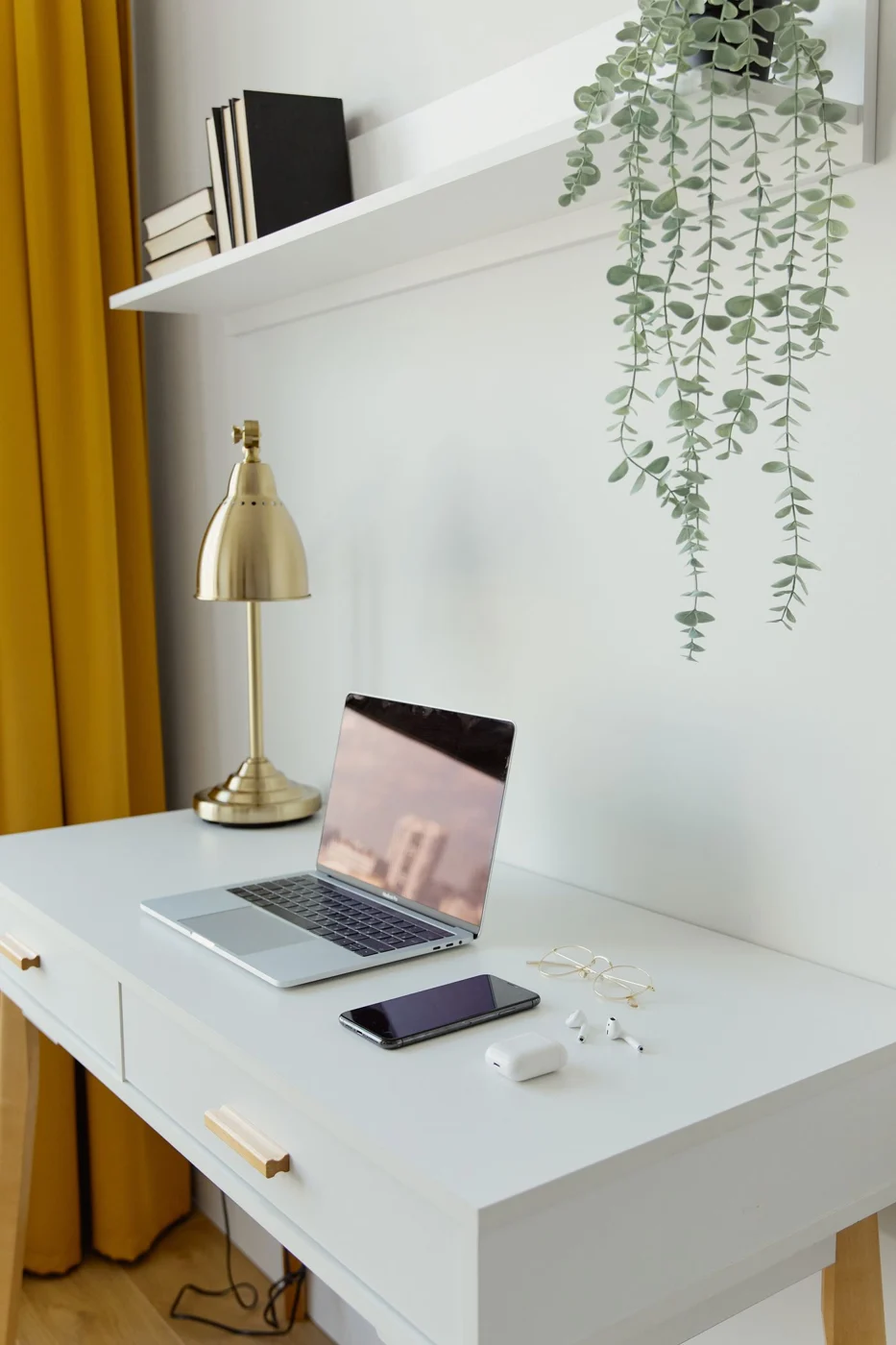
For a laptop with a separate keyboard, include the footprint of the open device and its stand. An external monitor needs room for its base and connections. A monitor arm may release surface space, but requires a suitable desktop and attachment. Check the arm's requirements and the construction of the desk edge before relying on that solution.
A second screen or large documents
Two screens change more than width. When angled towards each other, their bases or corners may project farther forwards. Draw the actual layout rather than simply adding two rectangular dimensions. Include rear plugs and cable movement as well.
For large documents, a temporarily clear area may matter more than a permanent second display. Consider which tools are used simultaneously. A movable paper support may help if it is stable and does not require an awkward sustained turn. Plan around the most frequent sequence of work.
Where requirements differ substantially, an additional side surface may suit better than an ever-deeper main desk. It needs movement space of its own and should not make frequently used equipment harder to reach. Compare both options within the room and with the actual chair, rather than judging only the increased surface area.
Keep the front area usable
The space between keyboard and front edge needs to support your way of working. Do not push the keyboard far back simply because the desk is deep. Equally, it should not balance on the edge merely to squeeze the monitor behind it. Try typing, moving the mouse and switching to a notebook as one sequence.
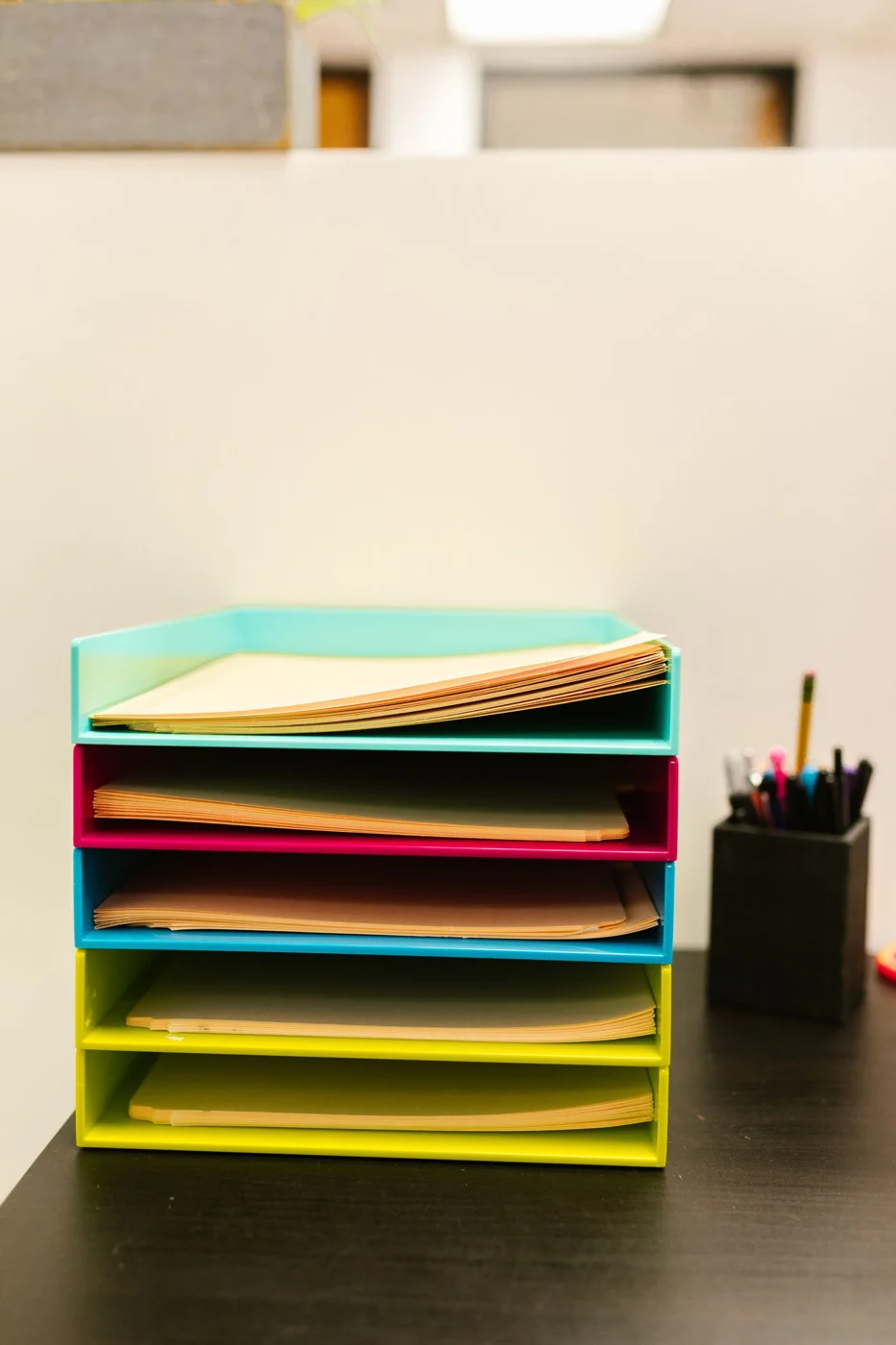
If papers are regularly used beside the display, give them an actual position. A pile on top of the keyboard is not a substitute. Lay out the largest document commonly used. At the side it affects width more; between keyboard and screen it changes the depth required. The working method determines the requirement rather than a generic figure in a furniture description.
Include the wall and rear edge
A desktop cannot always stand directly against a wall. Plugs, cable bends and any radiator need space. Measure the full arrangement to the wall, not just the furniture. With an adjustable-height desk, include cable movement. Leads must not become taut at any intended position of the surface.
Chair position also belongs in the room plan. A deeper desk may improve the working area while narrowing the passage behind the seat. Mark both dimensions together. Use a temporary surface or outline and move the chair as you would during use. Rolling back from the desk often reveals a limitation that a static footprint does not show.
Give a shallow arrangement clear limits
Where only a shallow surface is available, decide which activities genuinely fit. It may be sufficient for occasional paperwork while being unsuitable for several permanently installed devices. Reduce the equipment or find another position rather than compressing everything into insufficient depth. A narrower range of tasks can be more workable than an overloaded surface.
Before buying, record the clear working area and the additional gaps needed. Compare them with a drawing of the particular desk. External dimensions, usable surface and total room footprint are three different measurements. The chosen depth makes sense only when all three work together for the intended setup.