Sort by the next action
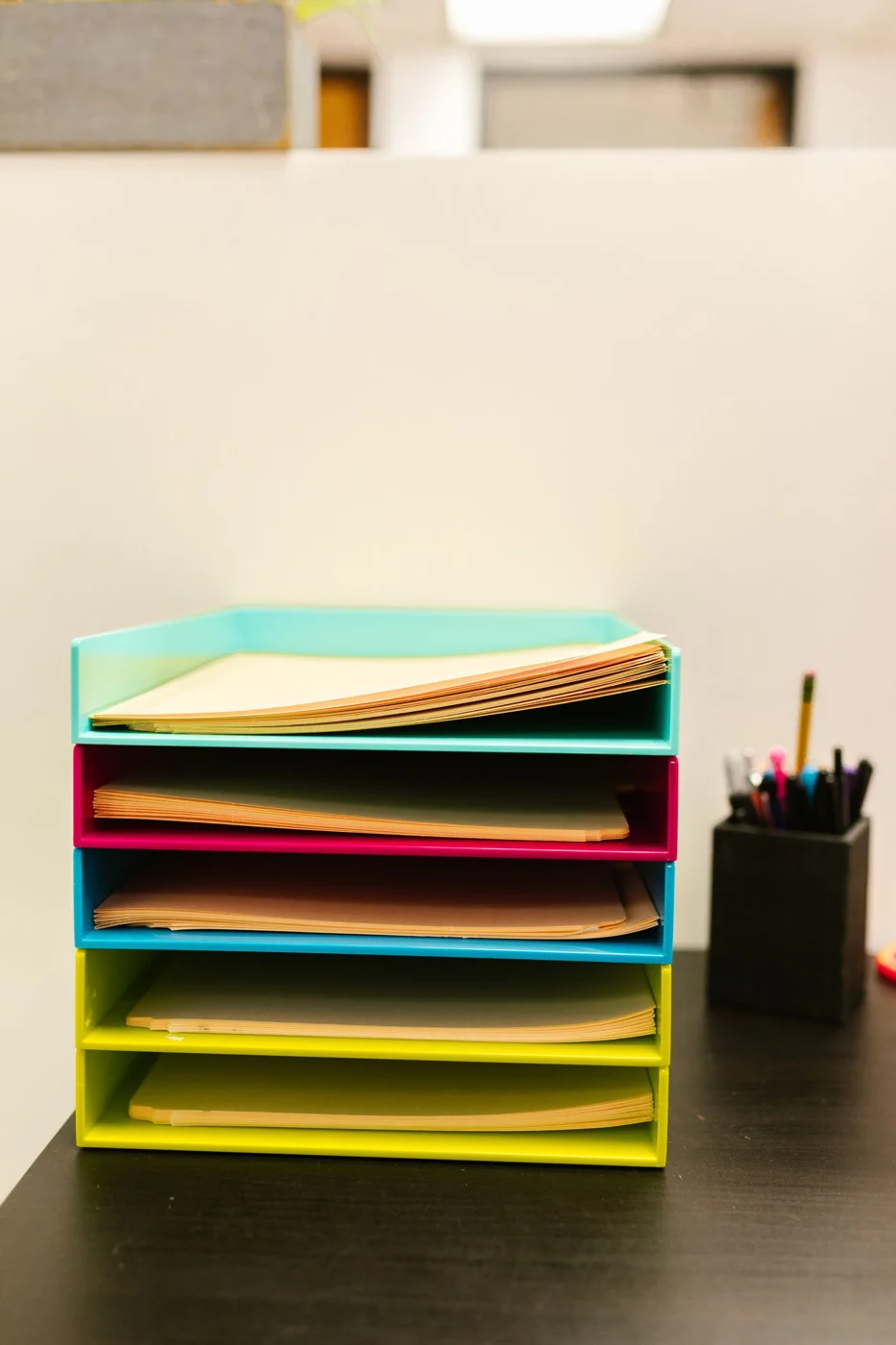
Not every paper on a small desk has the same urgency. Separate documents currently being used from those awaiting a reply and those ready to file. Three recognisable states are often more useful than many narrow compartments whose meanings are difficult to remember.
Give the active document a position where it can actually be read during work. A pile behind the monitor saves surface space but is awkward to use. If papers are frequently consulted beside a screen, a suitable holder may help. Test it with the largest usual format rather than only one small sheet. A holder that conceals part of the page has not solved the access problem.
Provide one limited incoming area
Give new papers a fixed arrival point, such as a shallow tray. Its capacity should suit the amount arriving before the next sorting session. A very deep box can merely postpone the task. If the tray continually overflows, the processing routine needs attention rather than automatically requiring a larger piece of storage furniture.
Use a separate note to record the next action when it is not obvious from the document. A letter waiting for clarification then remains distinguishable from a completed item. Avoid permanent marks on documents whose original condition must be preserved. A loose note or protective folder may be more appropriate.
Move the archive away from the working area
Completed material can leave the immediate reach zone. Store it in a system that makes sense for the way you retrieve it. Sensitive personal papers should not remain visible behind you during video calls. Retention requirements are a separate question; organising the desk does not replace checking the requirements that apply to particular documents.
At the end of a work session, return each group to its place. Active sheets stay in the defined position, waiting items go to their tray, and completed papers move to storage or the appropriate disposal route. Test the system against an ordinary week's paperwork. It works when a required sheet can be found and returned, not merely when the desktop looks empty in a photograph.